

Les Bambinets
An accessible app to learn baby sign language.
At a glance
- Context
- Les Bambinets, an innovative nursery, wants an app to help parents and early-childhood professionals communicate with toddlers in sign language. All it has is a logo.
- My role
- Product Designer, from visual identity to prototype
- Year
- 2026, over 2 weeks
01 · The brief
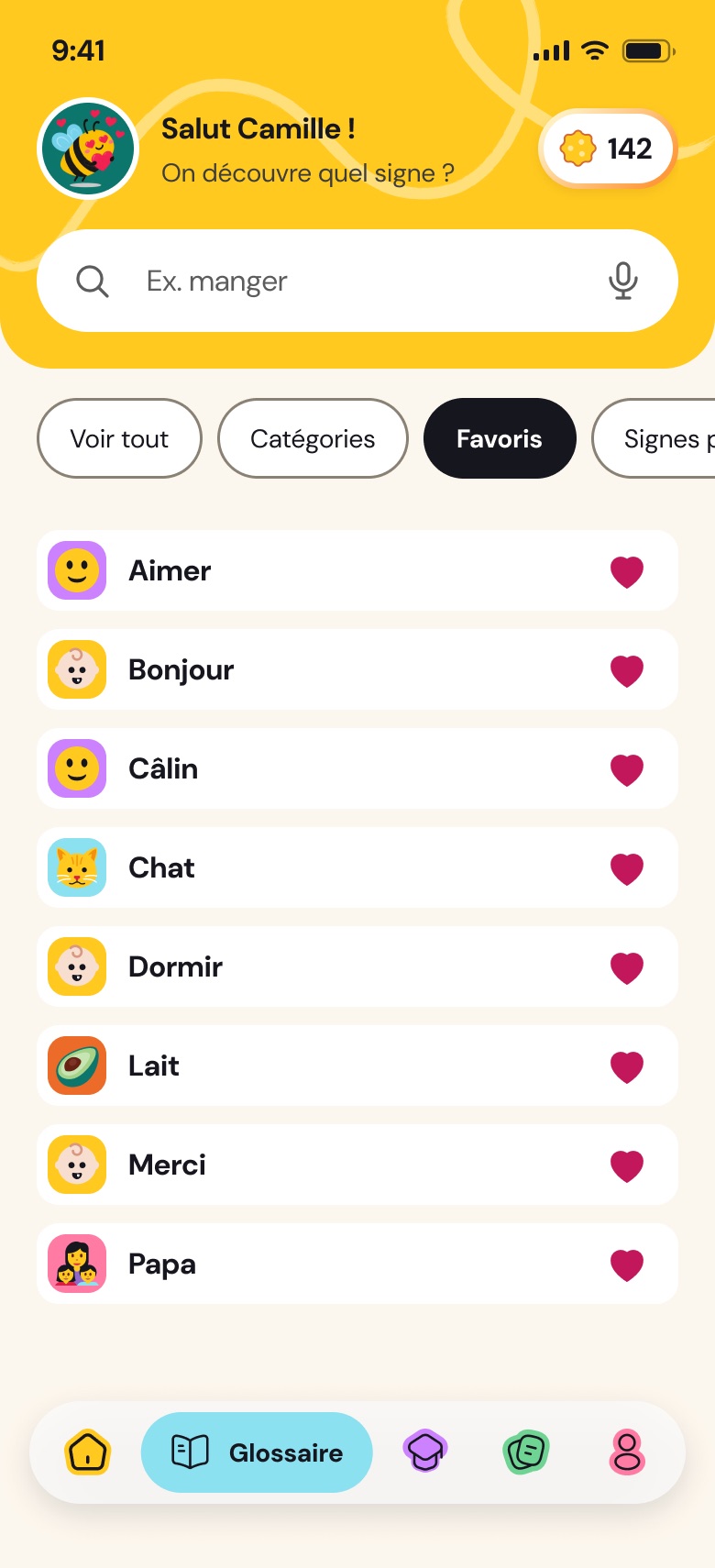
Glossary
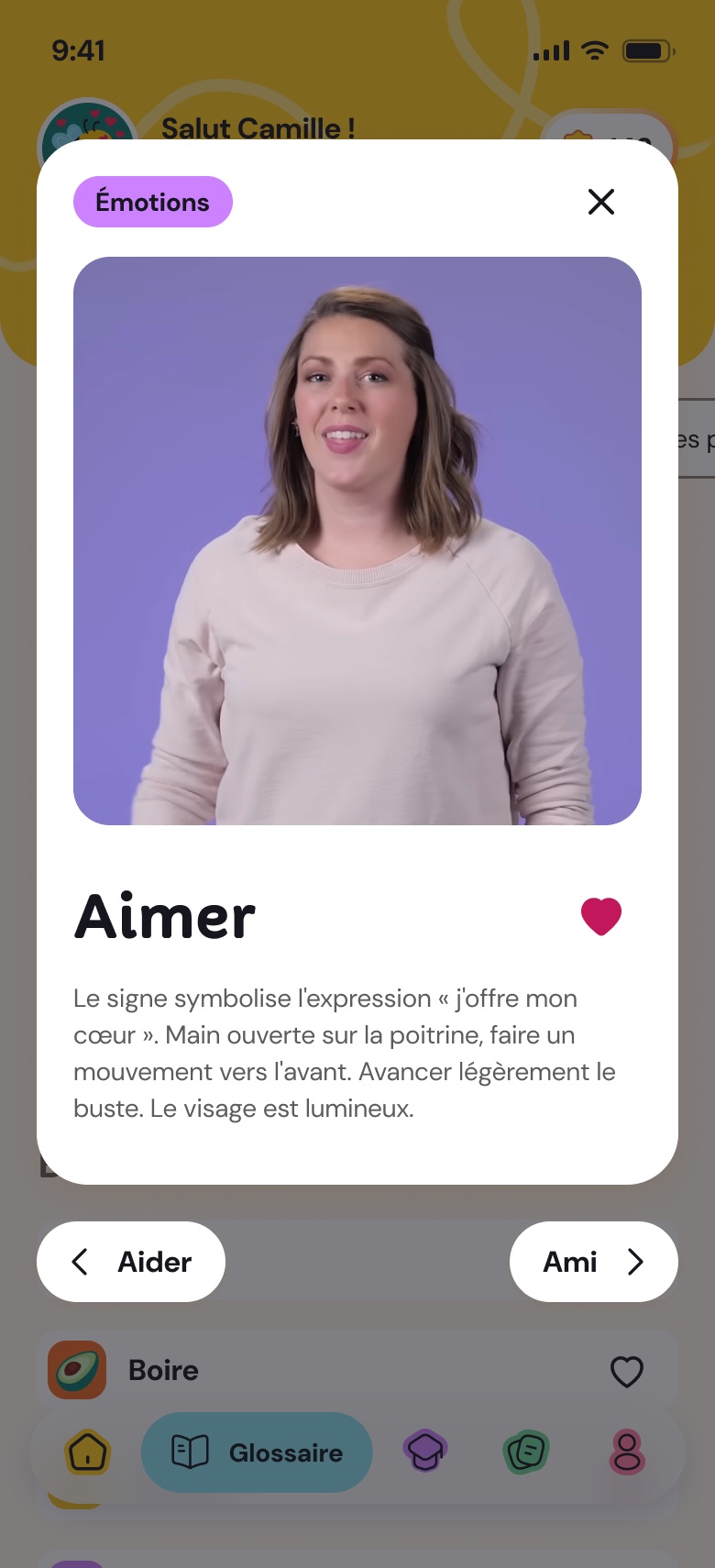
~20 signs, A to Z and by category.
Favourites
A heart to find your signs again.
Video
The gesture is shown.
Micro-quiz
To check what you remember.
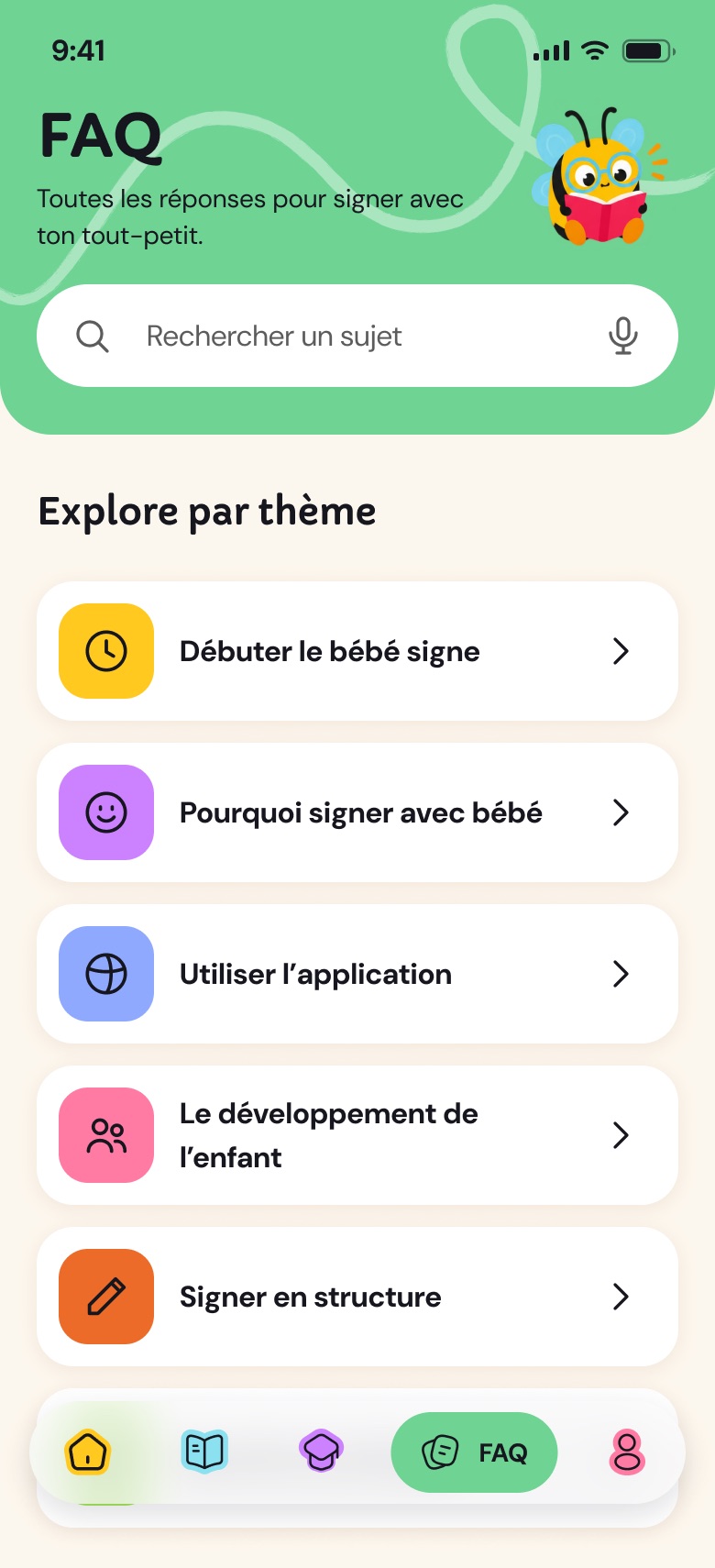
FAQ
For the adults.
Audience
Busy, tired parents and professionals.
02 · From wireframes to the full app
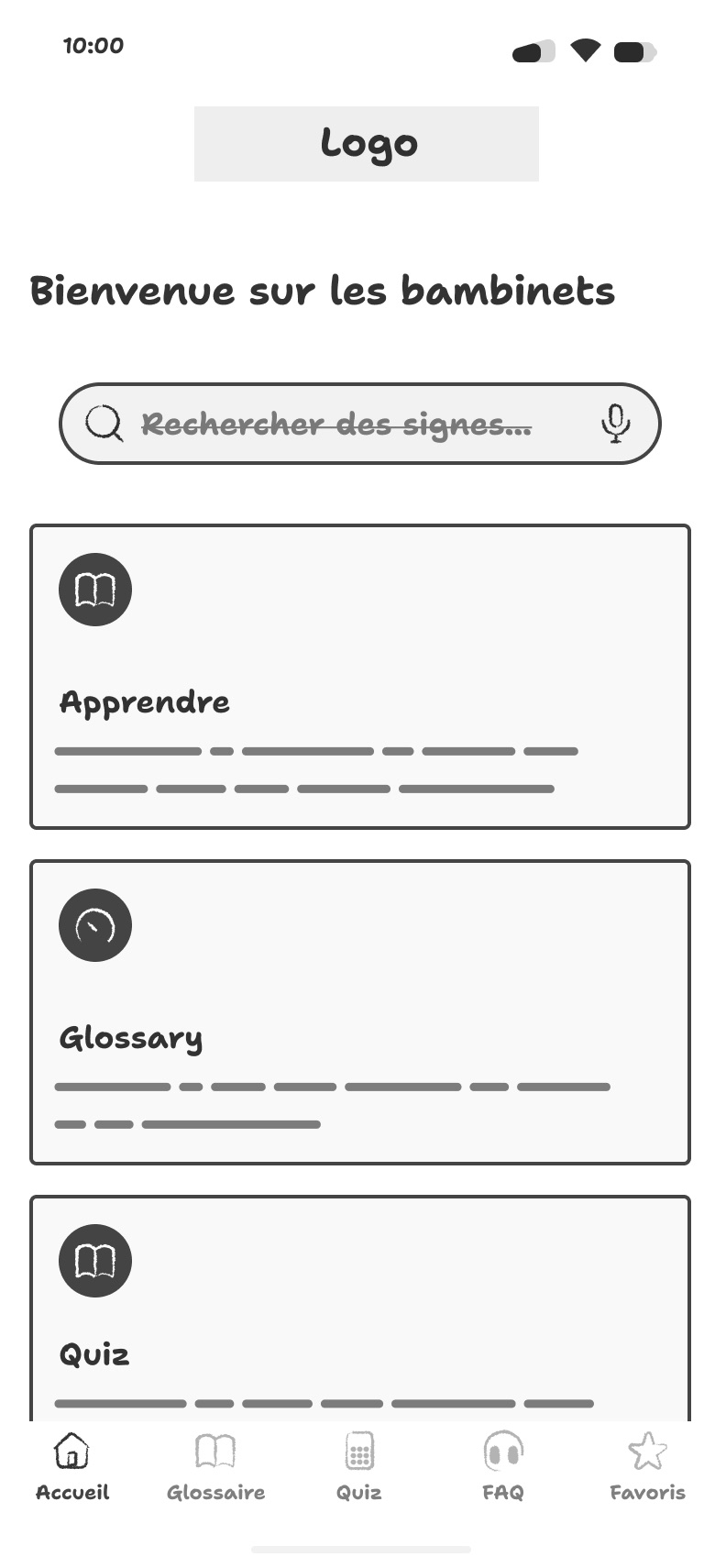
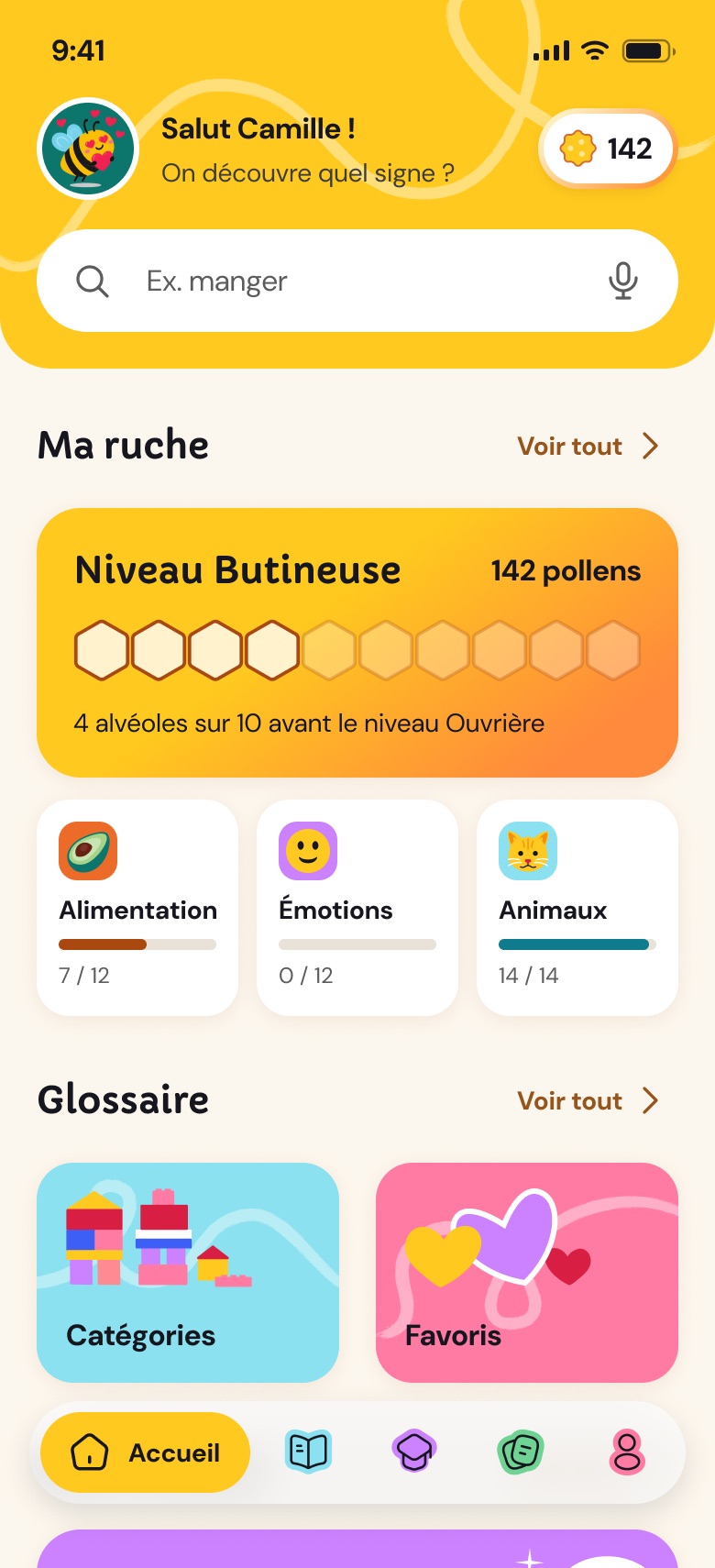
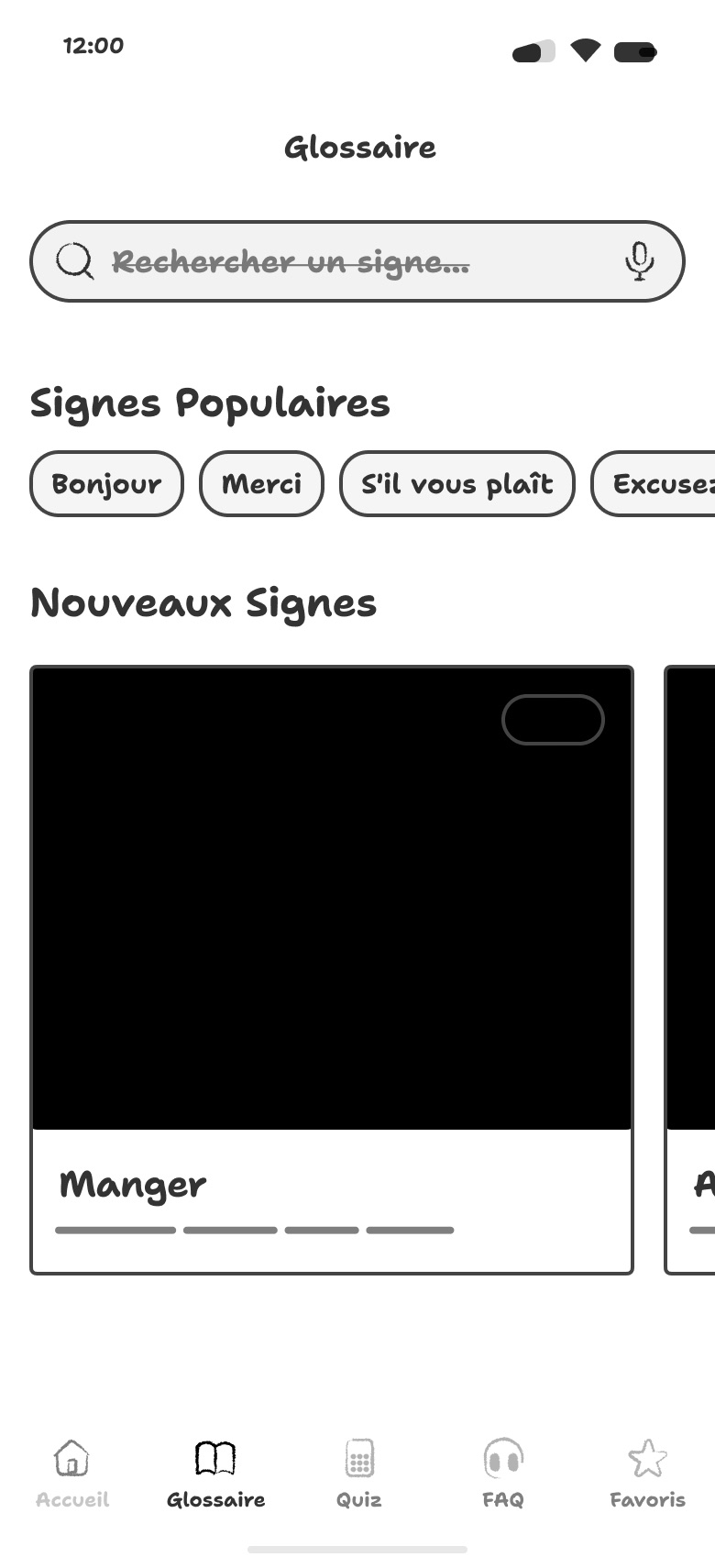
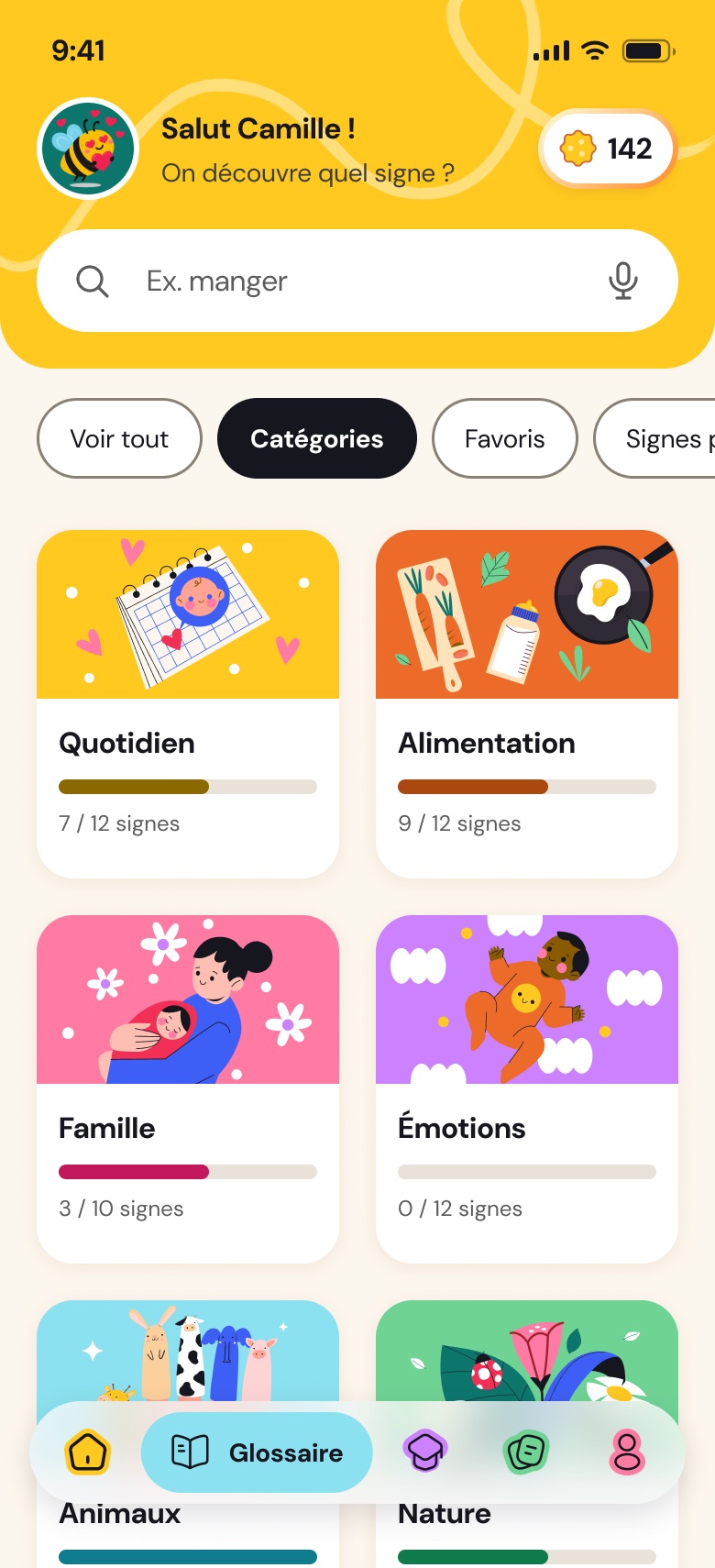
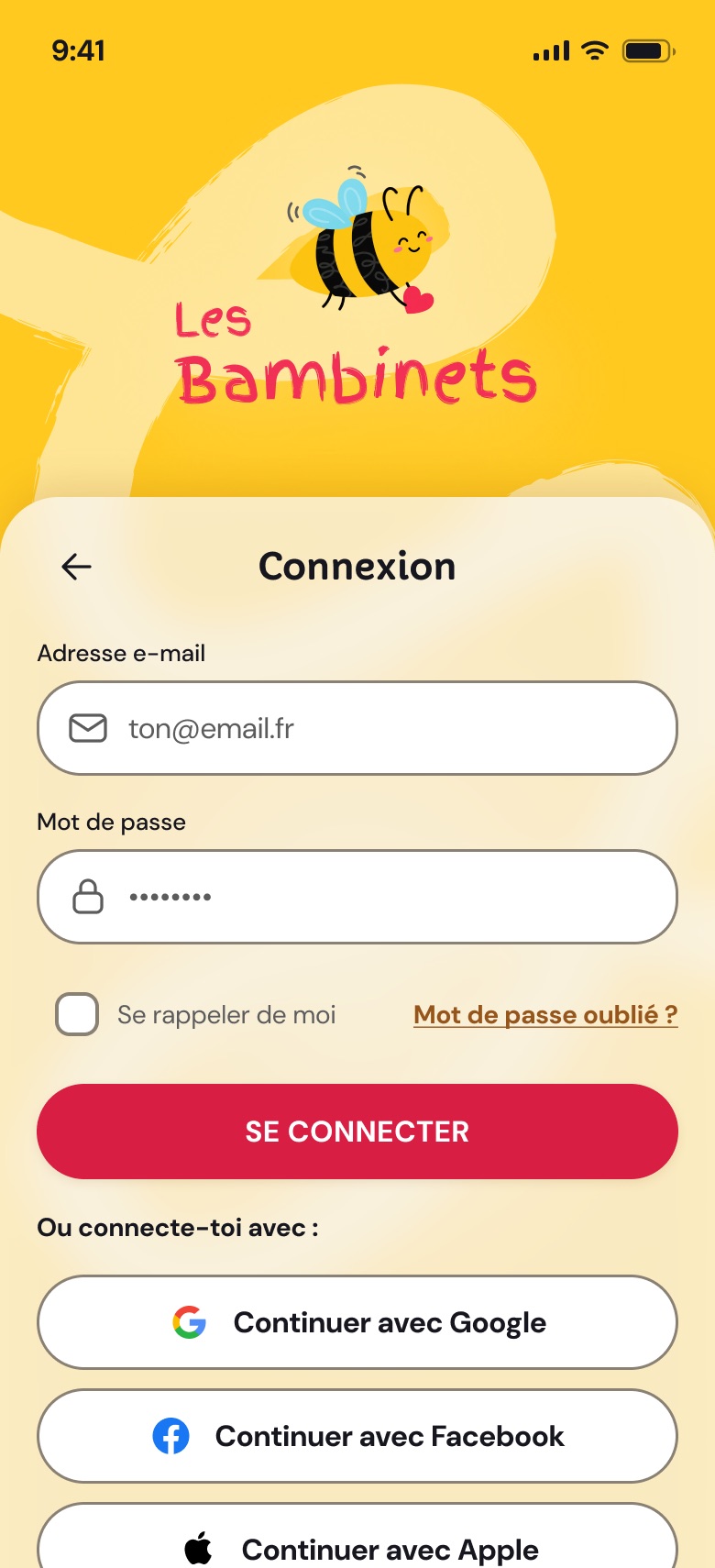
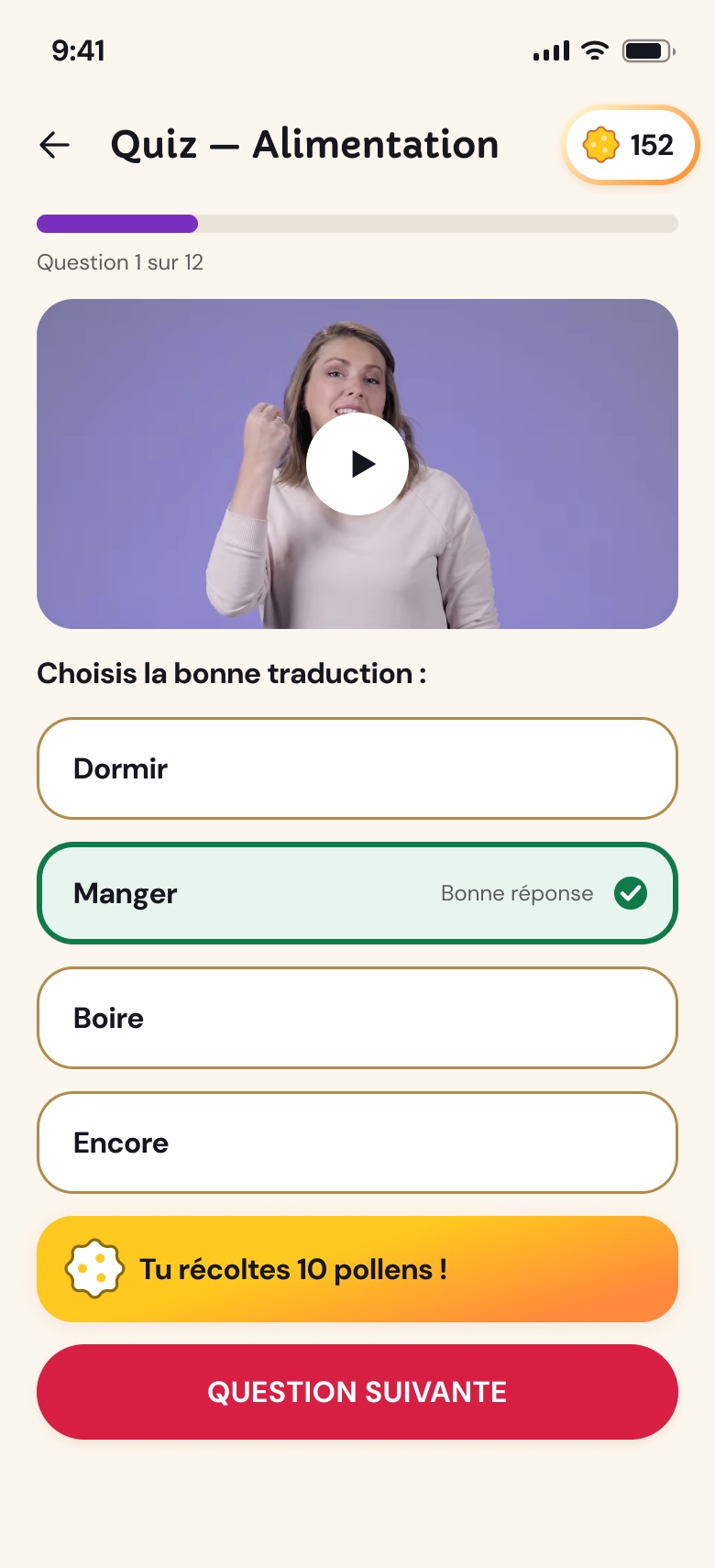
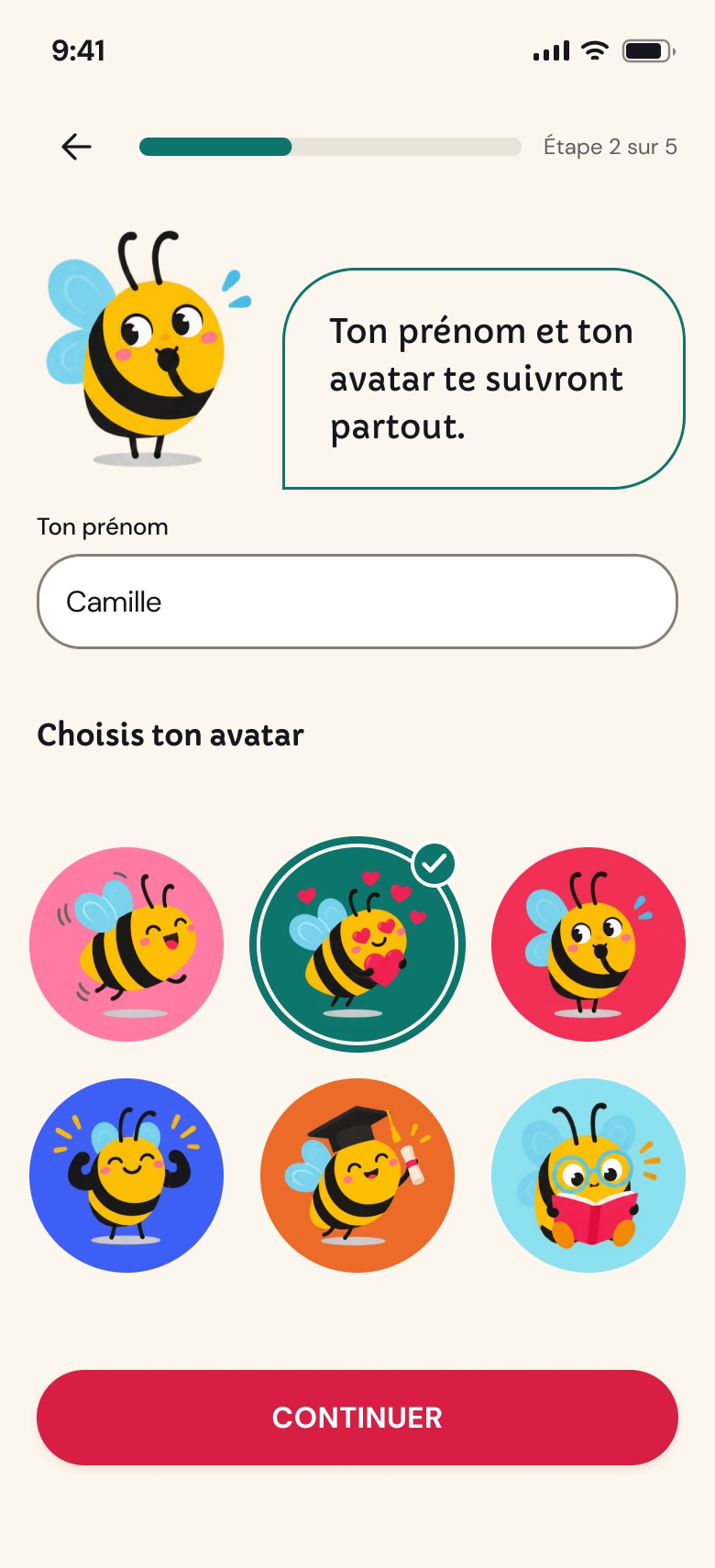
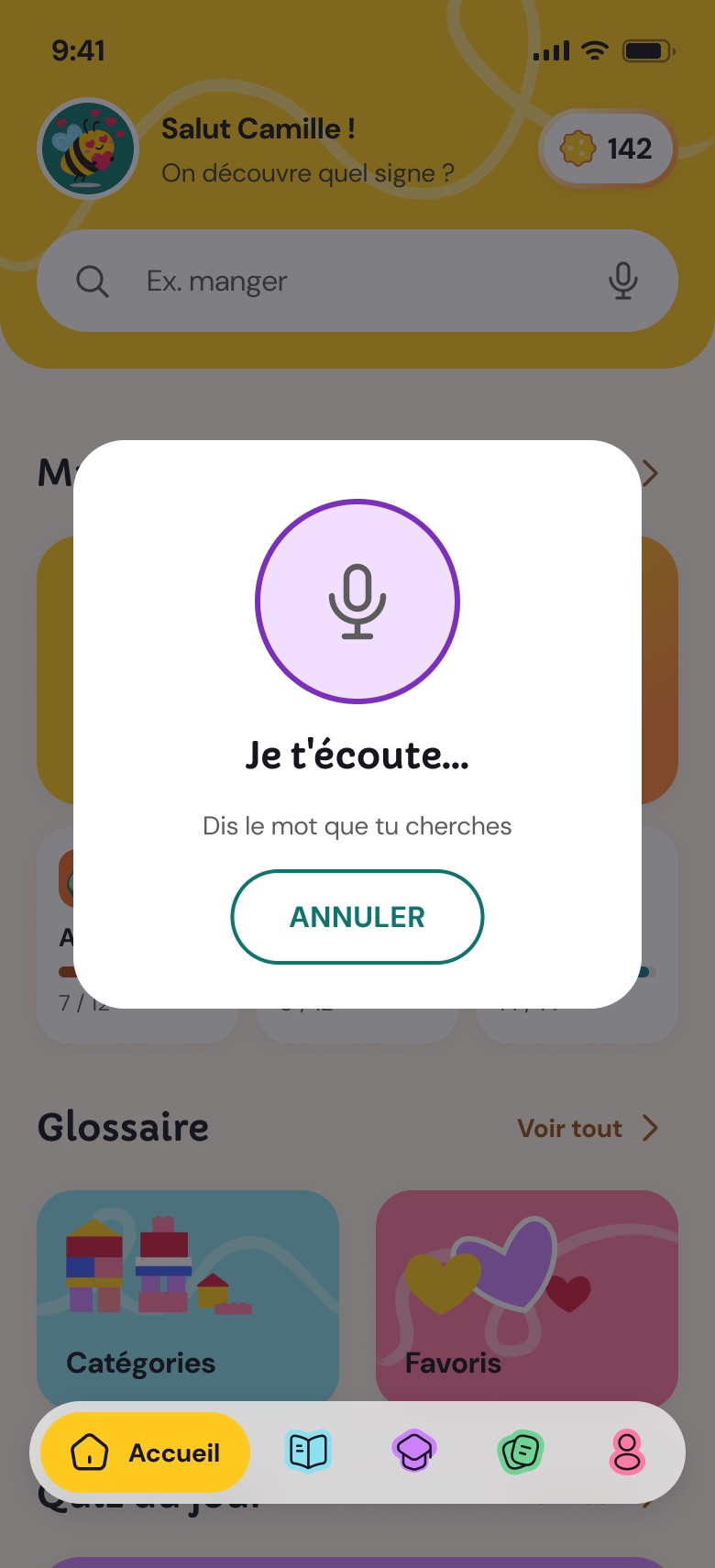
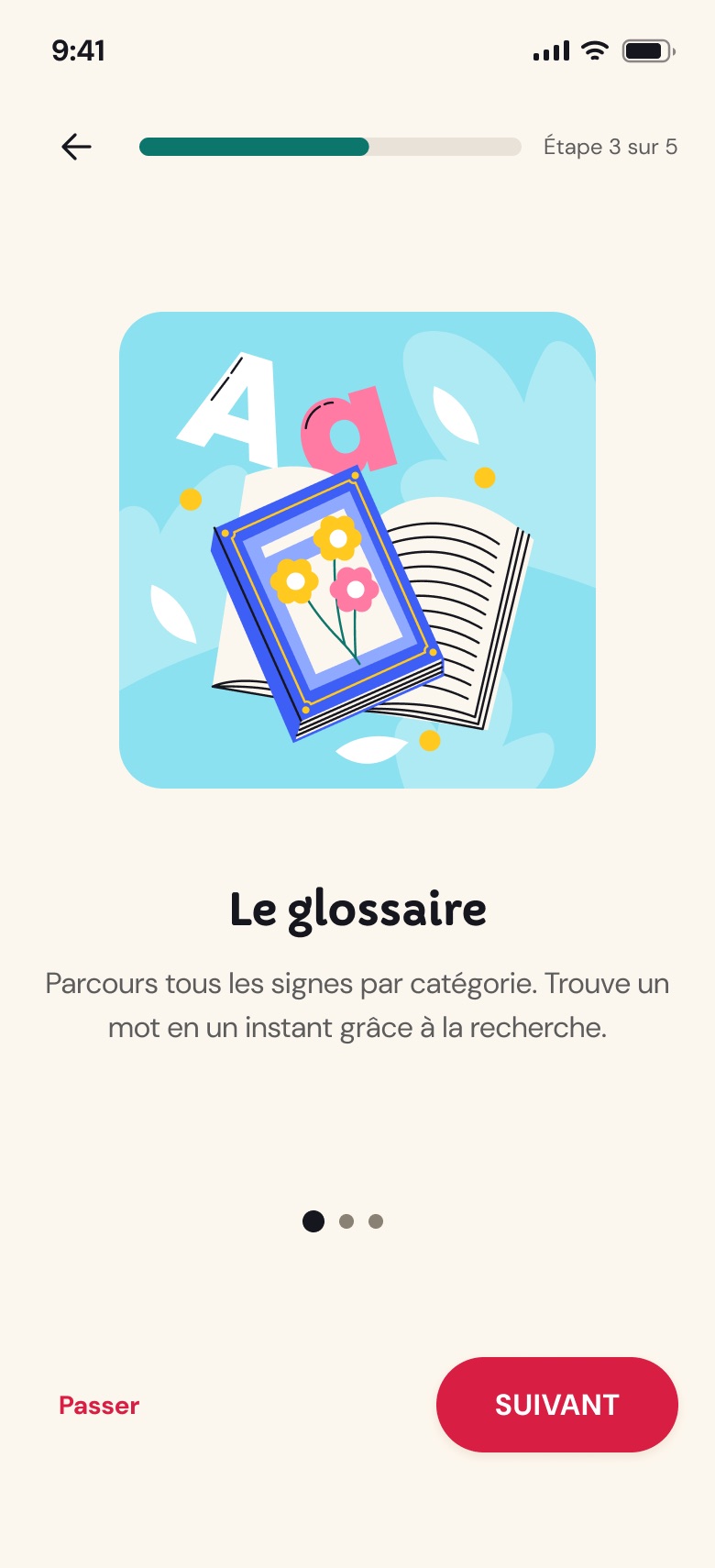
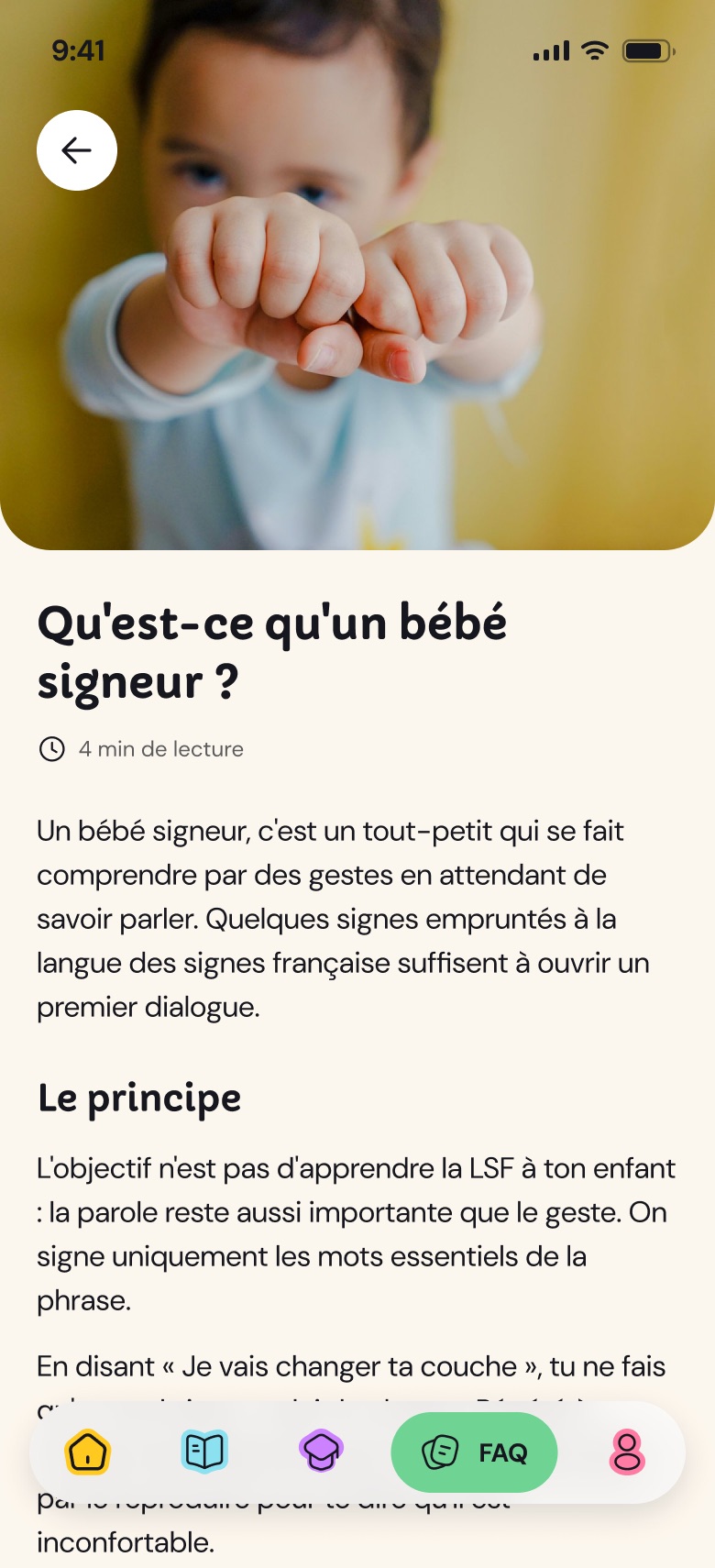
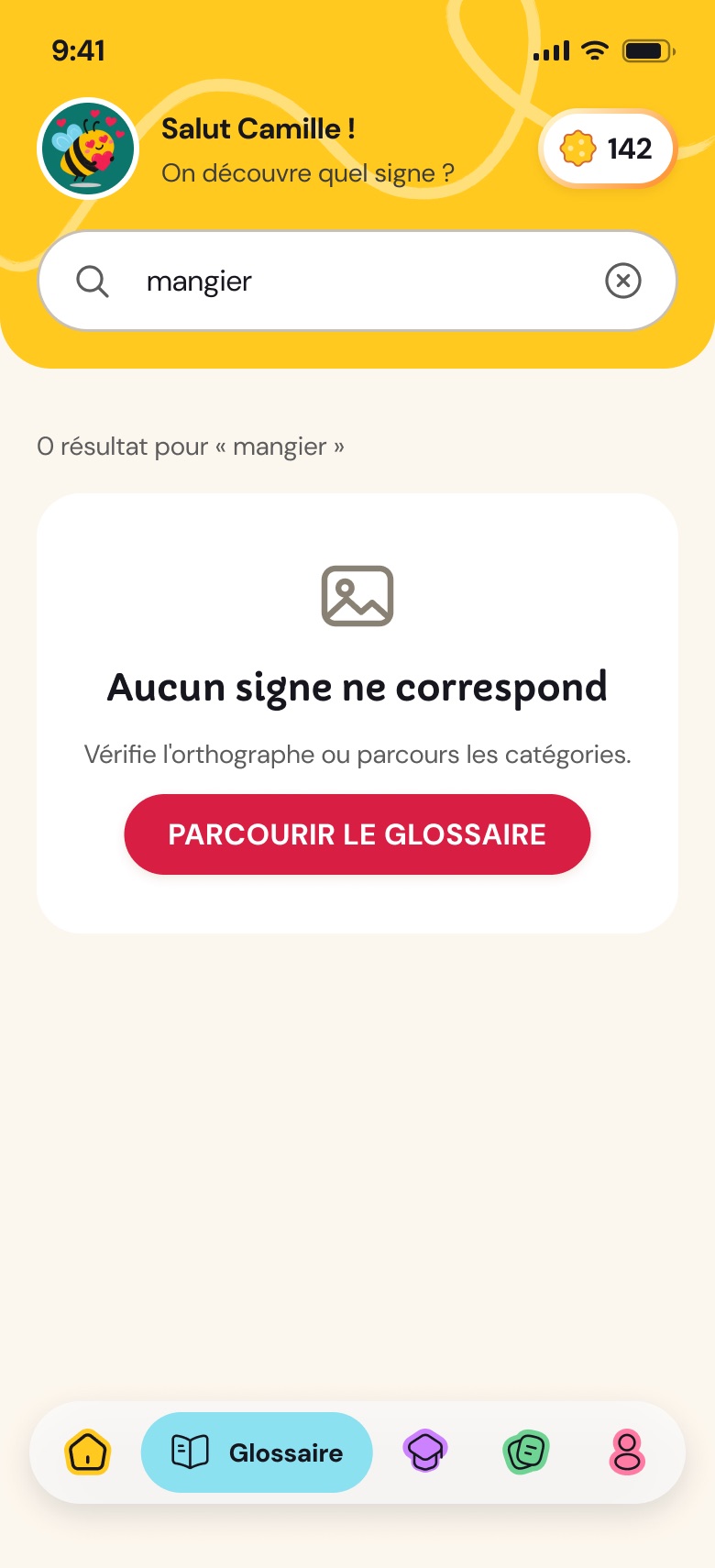
Starting point: a colleague's tested wireframes, 6 screens. To make the app hold together, I completed the flows: sign-in and account creation, onboarding (profile, first name, avatar), voice search and no-result search, empty favourites, the result of each question and the end of a quiz, FAQ articles, profile and settings.
03 · An identity built from a logo
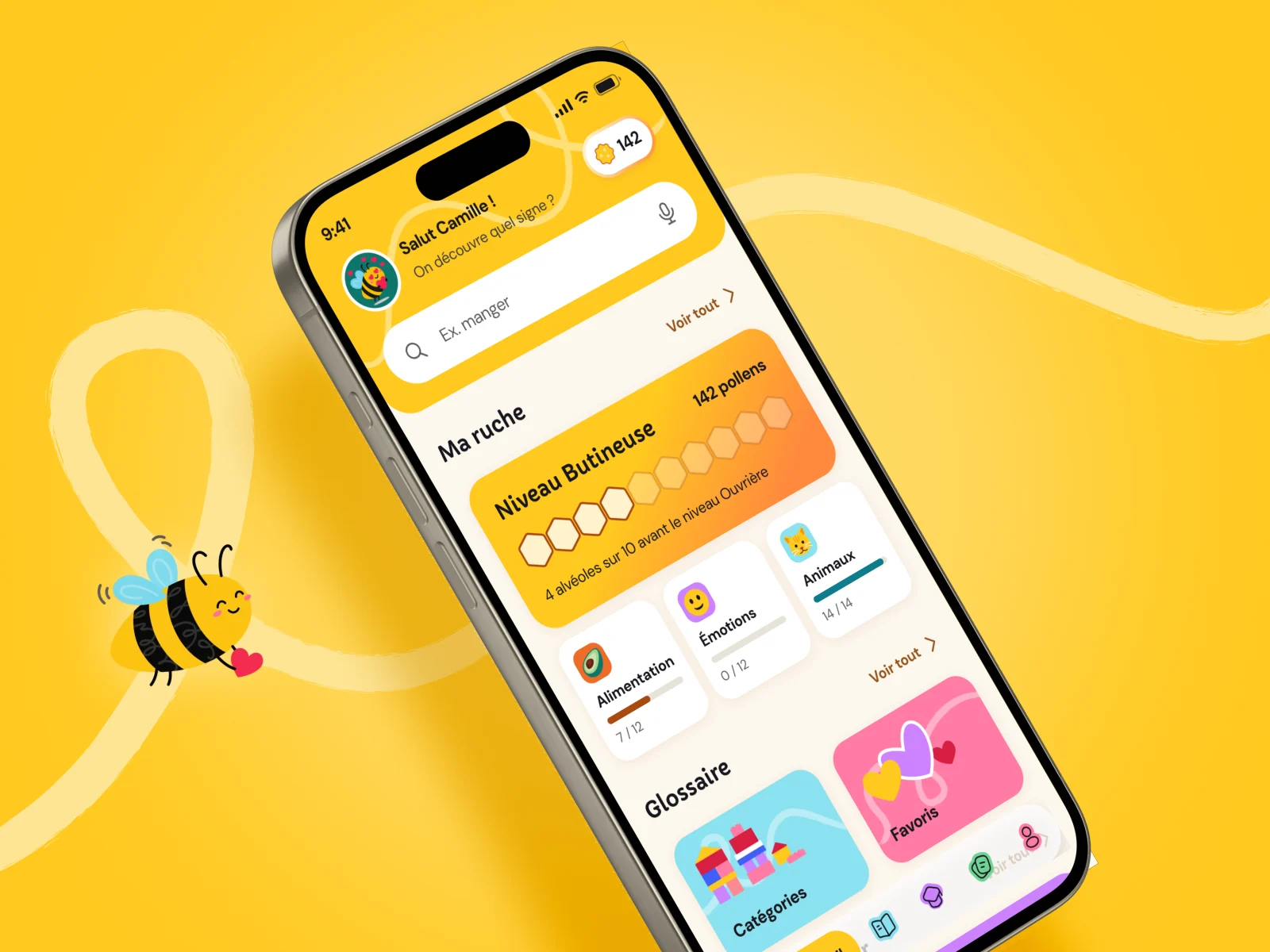
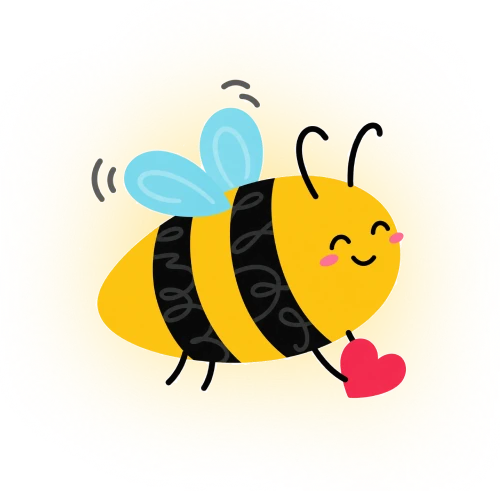
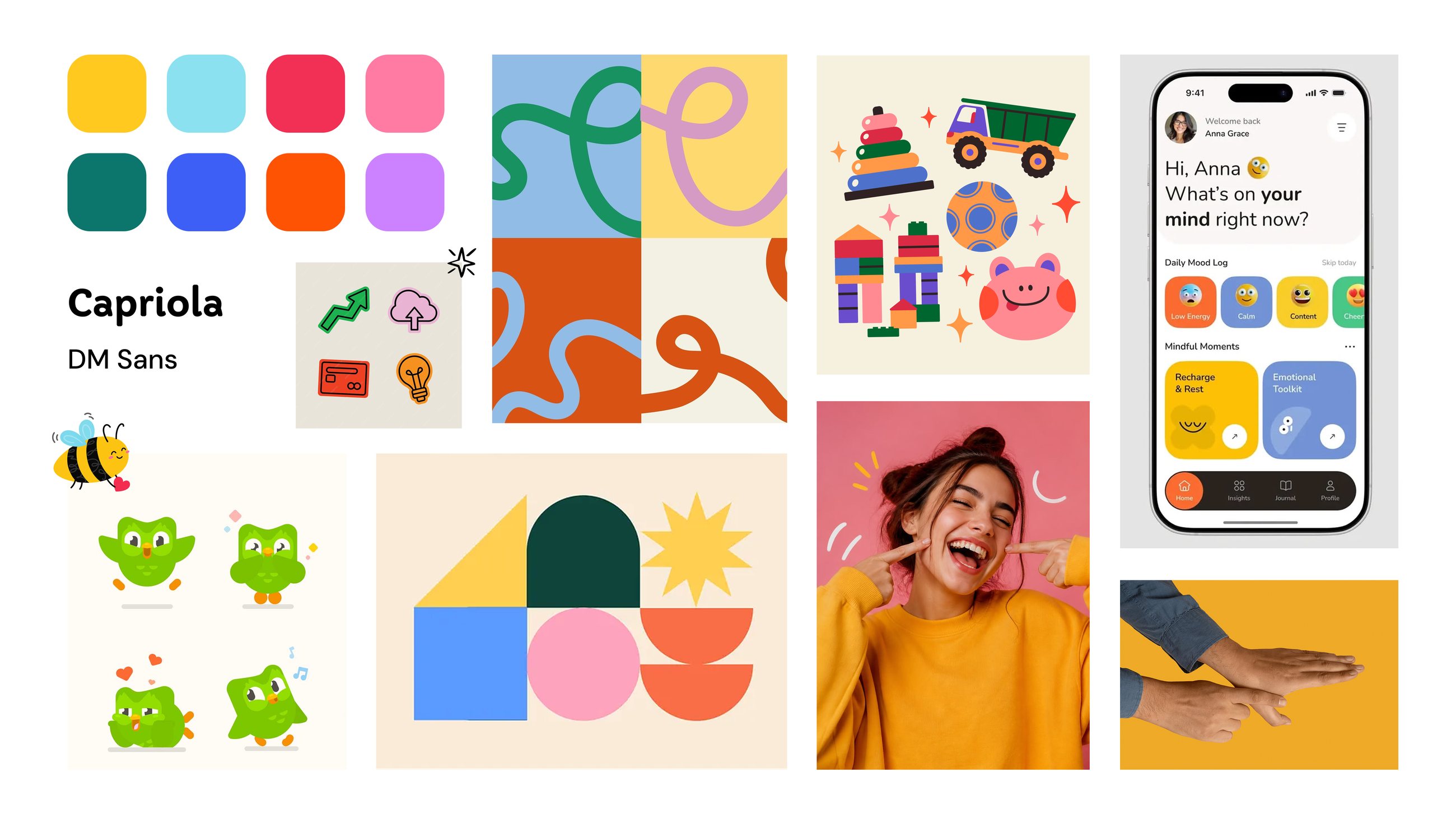
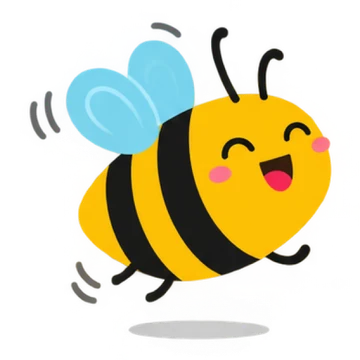
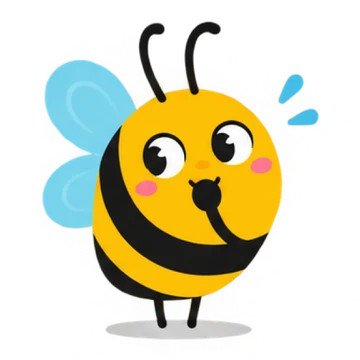
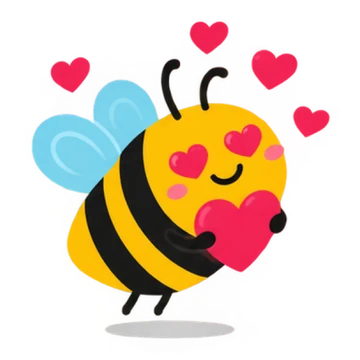
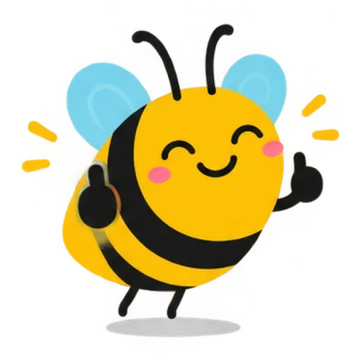
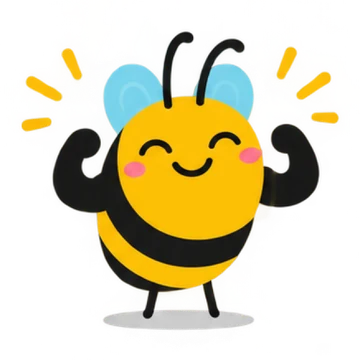
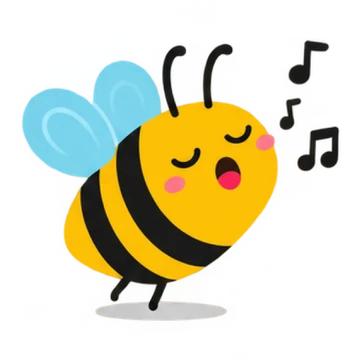
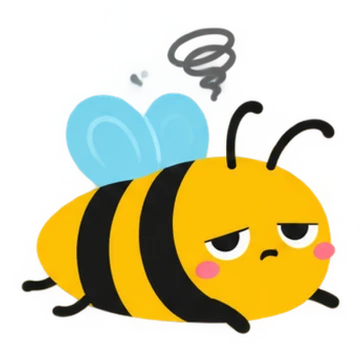
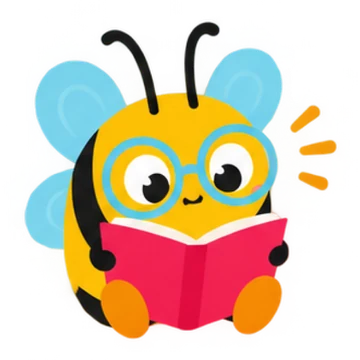
The client only had a logo. I started from its colours, choosing bright shades rather than pastels: the world is that of toddlers, but the app is for adults, so it had to be playful without being babyish. For typefaces, a rounded, whimsical font for headings (Capriola) and a sober, highly legible one for text (DM Sans), both checked for accessibility. The mascot, the bee from the logo, was generated with AI, which I directed and curated: a first for me, as I usually draw or buy my illustrations.

04 · Style guide
Making the logo's red legible
The logo's red can't carry white text (under 4.5:1). It is darkened just enough to pass AA on primary buttons: the identity stays recognisable.
- Pollen#FFC91F
- Pine#0C766C
- Cyan#8BE1EF
- Cream#FDF7EE
- Link#96551A
- Error#A22027
- Success#0F7A4A
- Focus#3E5FF6
Capriola for headings
Signing with baby is easy!
DM Sans for text
Signing with baby is easy!
05 · Design system
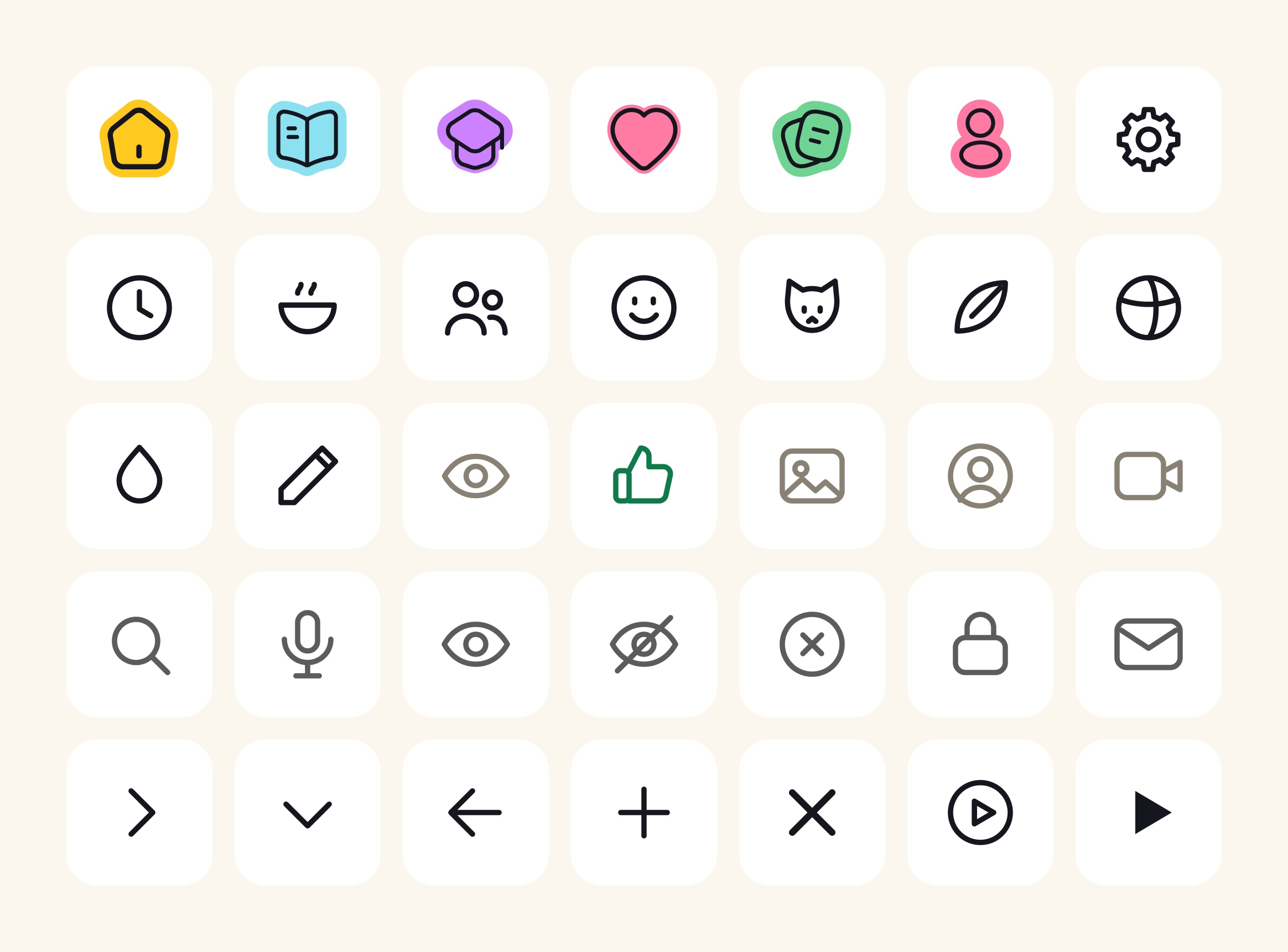
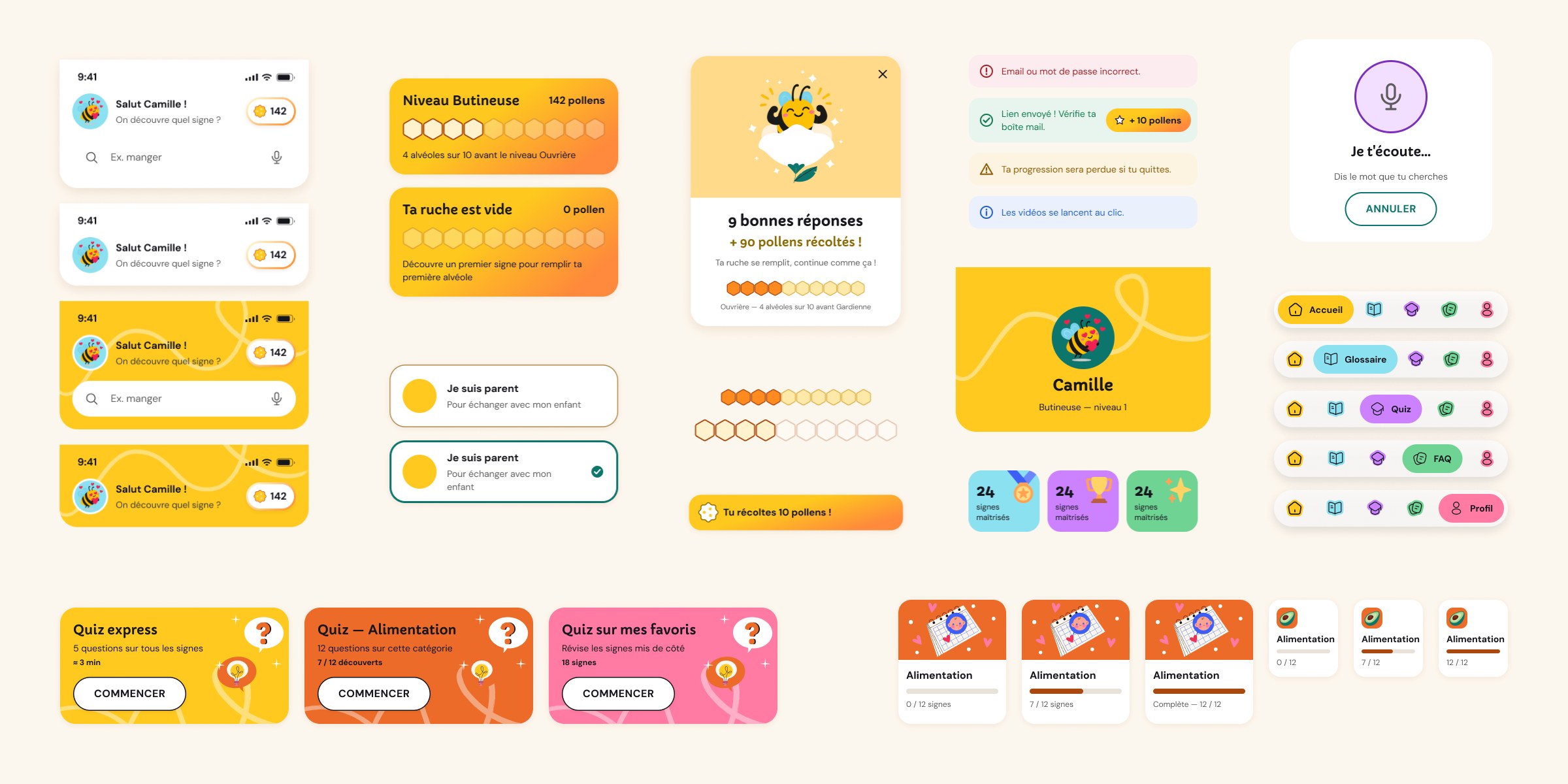
A customised shadcn/ui base: colours, typefaces, 28 px corner radius, warm shadows. Each component has its own explanation block, and no value is hard-coded.
54
components
213
variants
0
hard-coded values
06 · Accessibility (WCAG AA): five rules applied everywhere
Contrast
Text ≥ 4.5:1, interface elements ≥ 3:1. Primary button: 5.02:1.
Touch targets
44 × 44 px minimum, even when the visible element is smaller.
Visible focus
A 2 px blue ring and halo on buttons, fields and checkboxes.
Never colour alone
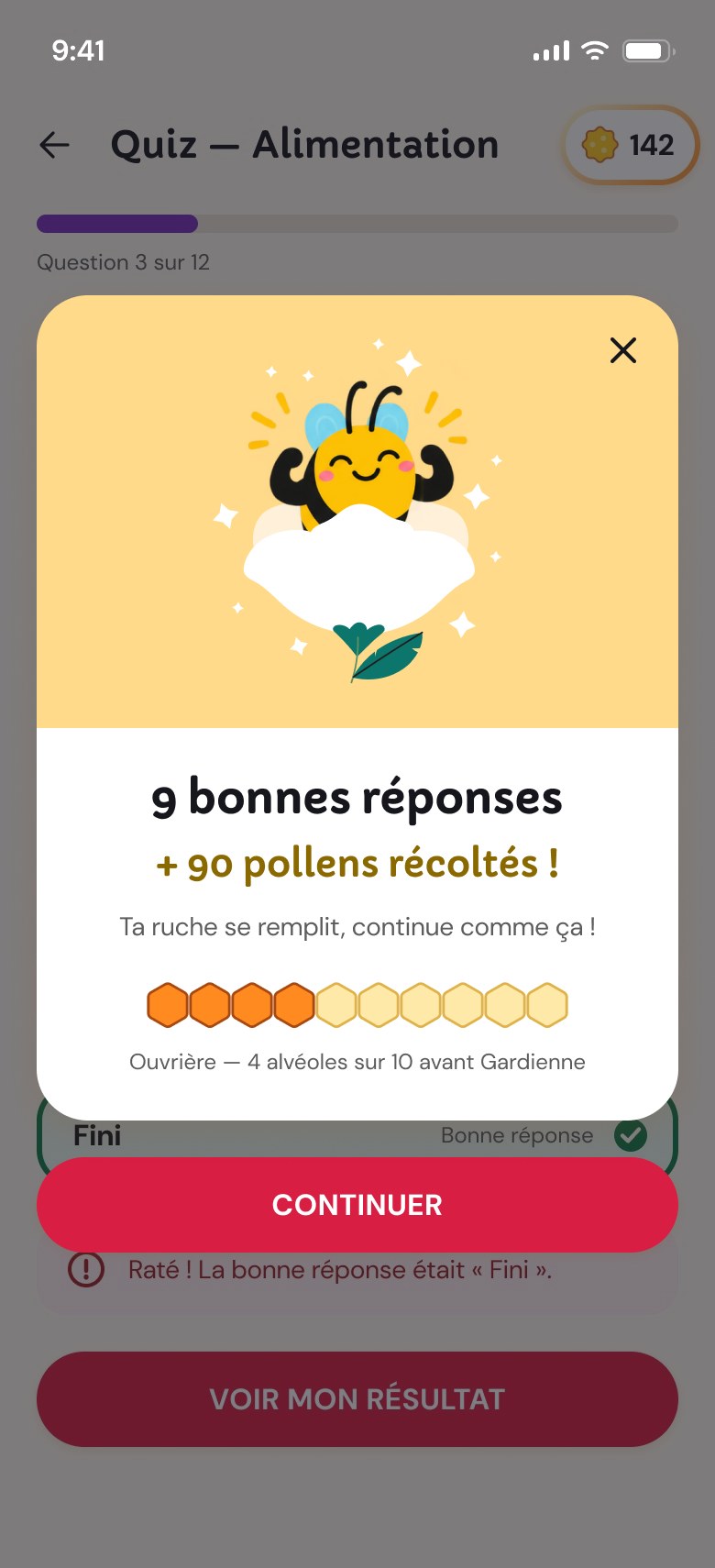
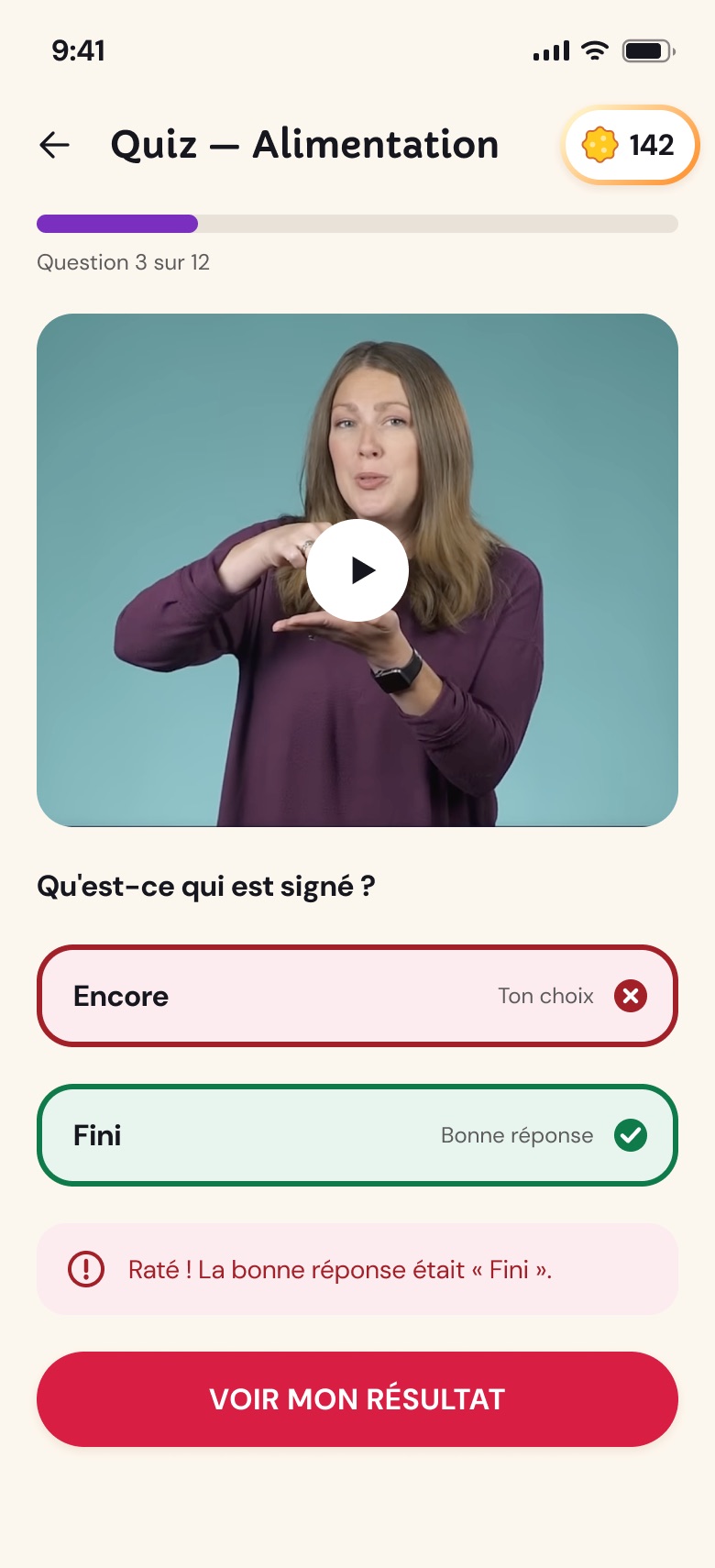
Quiz answers: outline + icon + text.
Legibility
Body text ≥ 16 px, labels always visible above the field.
07 · Kind gamification
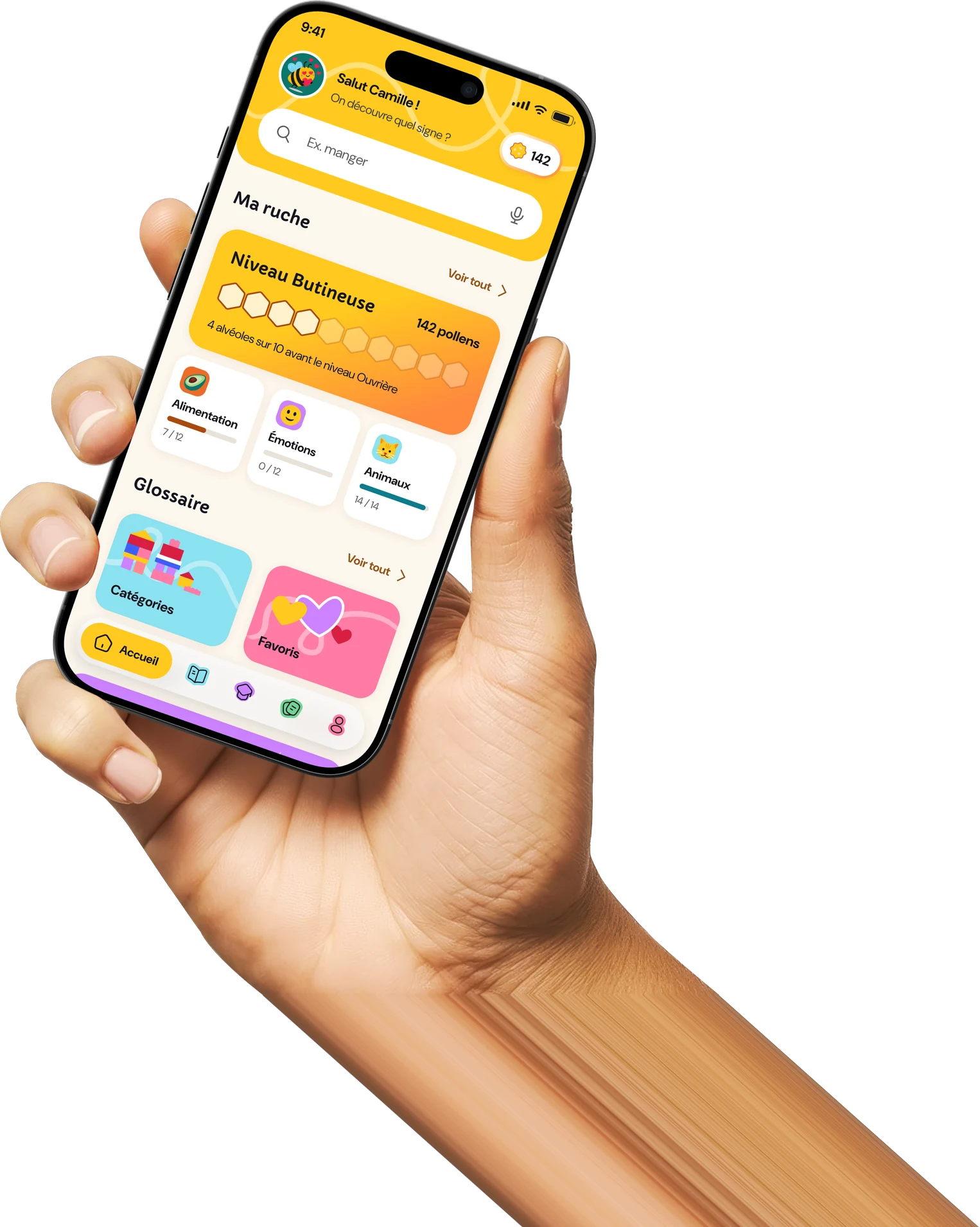
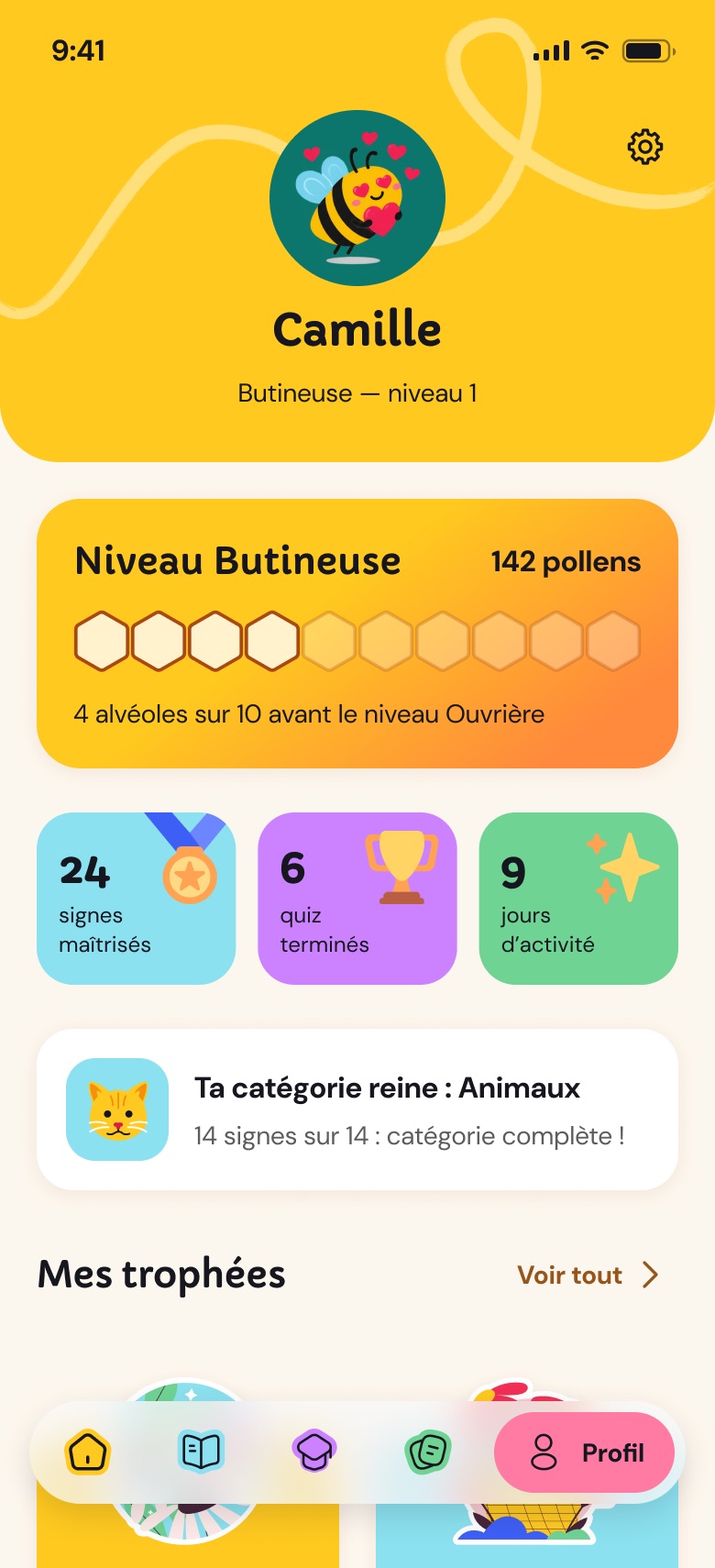
I wanted a little play, around the bee theme: you gather pollen, fill your hive, and go from Forager to Worker. But no daily streak to keep at all costs: parents and professionals are already tired by their day-to-day, so the app should stay a pleasure, not a source of guilt. The game's structure was built with the help of AI, based on this principle.
08 · Prototype
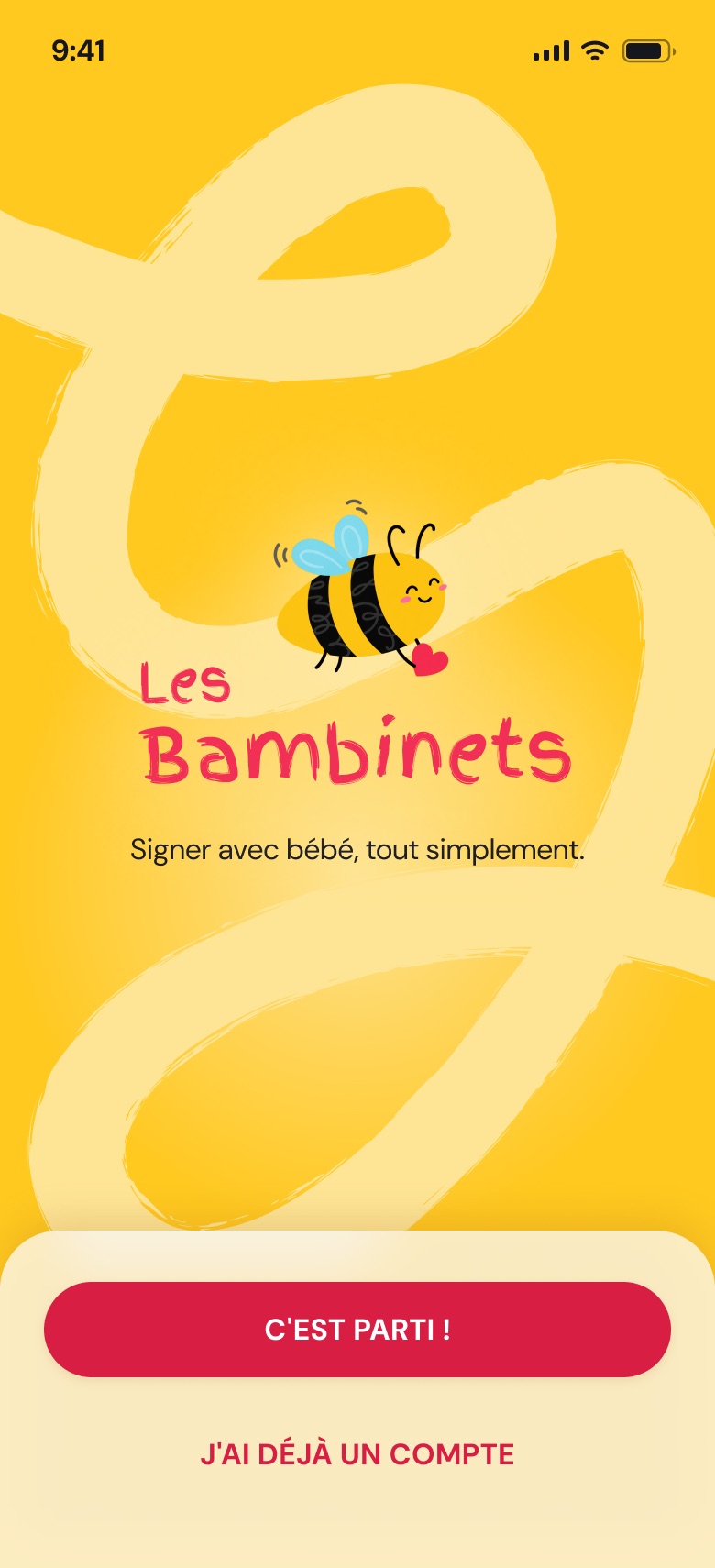
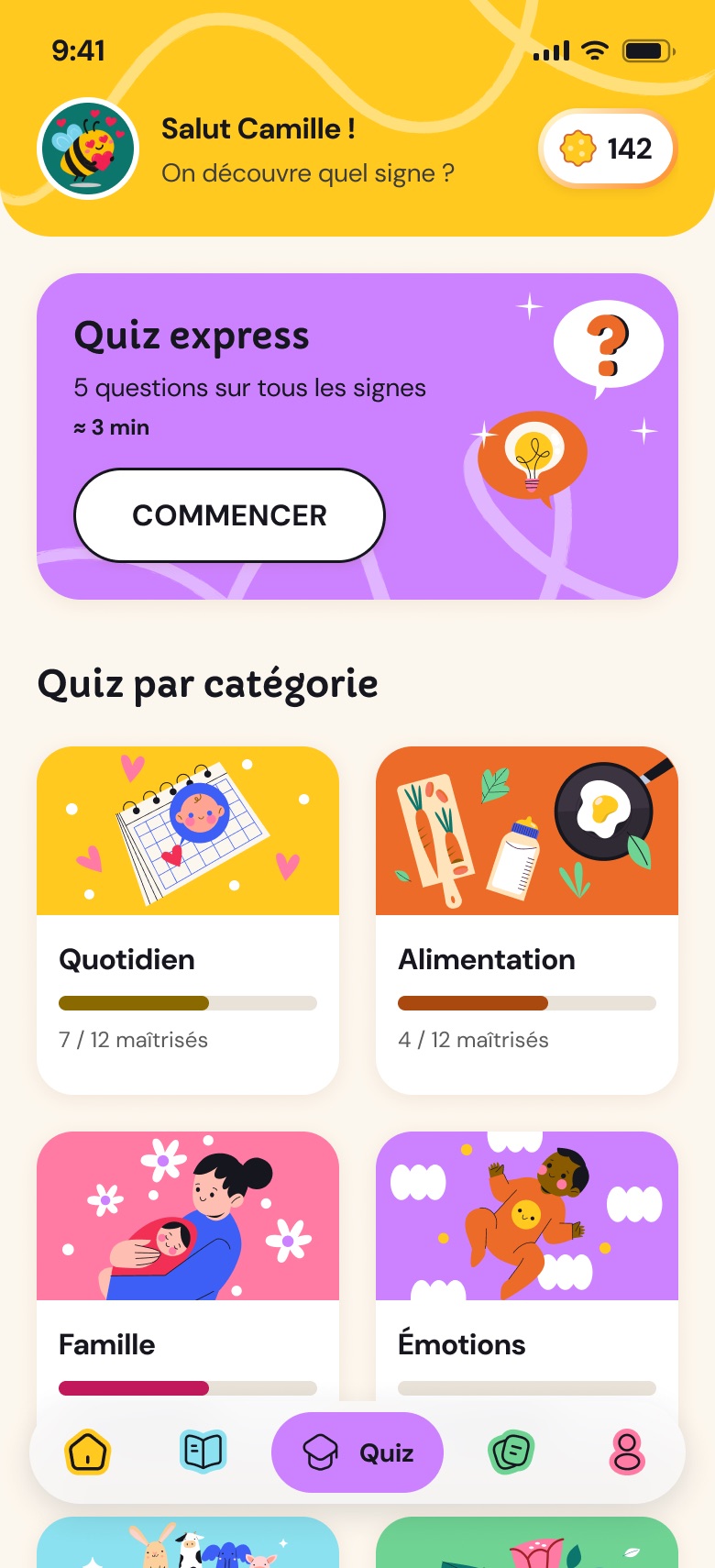
The interactive prototype covers all six journeys: from account creation to the quiz, including voice search.
What I take away
Designing with AI: I learned to work with Claude Design and Claude Code alongside Figma. AI speeds things up, but I make the calls.
Accessibility goes far beyond contrast and text size, where I used to stop in branding: touch targets, focus, information never carried by colour alone, labels always visible.
Mobile ergonomics: a tab bar at the bottom of the screen, within thumb reach, and a way back to the main pages at all times, so you can move around the app without ever getting lost.
Sign videos: Learn How To Sign (YouTube).
Want to get in touch?
I'm looking for my next permanent role, and I'm also open to a fixed-term contract, an exciting project or a coffee to talk shop. Drop me a line!